Note: Mobile package quotas and prices change periodically; always confirm active data caps, carrier unlock status, and eSIM device compatibility before purchasing.
Getting mobile data working cleanly on day one saves your Uber pickup across the pedestrian bridge at PVR airport, keeps WhatsApp open for landlords and tour guides, and prevents Canadian or US daily roaming charges from piling up over a 3-month winter stay.
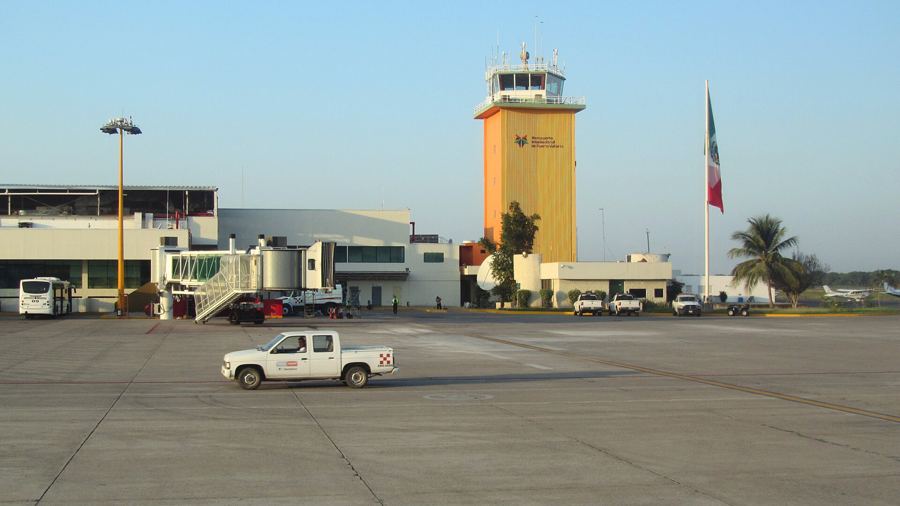
PVR Airport arrivals, official taxis vs. pedestrian-bridge Uber→Step 1: Pre-flight eSIM vs. Airport SIM kiosks
Before buying anything, verify inside your iPhone or Android settings that your handset shows No SIM restrictions / carrier unlocked and supports eSIM.
- Option A — Activate an eSIM before departure: Takes five minutes on home Wi-Fi so data connects automatically as soon as your plane lands at PVR. Great for your first 7–30 days or if you only use WhatsApp, Google Maps, and light browsing without needing a local
+52voice number. - Option B — Wait for OXXO or a Telcel store in town: Once in your neighborhood, a physical prepaid Telcel chip + Amigo Sin Límite recharge is straightforward, inexpensive, and gives you a Mexican
+52phone number (useful for local food delivery apps, clinics, and property managers).
Step 2: Local Telcel Amigo Sin Límite (for 1–6 month stays)
Telcel holds the widest coastal signal footprint from Sayulita and Punta Mita down past Boca de Tomatlán and Yelapa, and official Telcel Amigo Sin Límite prepaid packages include calls, texts, and data roaming across Mexico, the US, and Canada on active tiers (confirm exact gigabytes & day validity at telcel.com):
- How it works: Buy an official Chip Telcel at a Telcel store (Plaza Caracol, Galerías Vallarta, Macroplaza, or Zona Romántica), OXXO, or 7-Eleven, insert it alongside your home eSIM, and recharge every 15–30 days via OXXO cash or the Mi Telcel app (typically starting around 200 MXN/month for everyday multi-gigabyte data + WhatsApp).
- Keep your home number active for bank 2FA: On dual-SIM iPhones/Pixels, leave your Canadian or US SIM turned ON solely for incoming SMS banking codes (turn Data Roaming OFF on the home line and route Cellular Data through your Mexico line so zero daily roaming fee triggers — check with your home carrier on Wi-Fi Calling billing rules).
Step 3: Home condo Wi-Fi & backup power
Condo Wi-Fi depends on building wiring more than the colonia name:
| Area | Typical fiber availability | Snowbird test before booking |
|---|---|---|
| Versalles & Fluvial Vallarta | High Totalplay & Telmex Infinitum FTTH fiber penetration in modern concrete builds | Request a dated Speedtest screenshot showing upload >25 Mbps |
| Marina Vallarta & Hotel Zone | Strong fiber in established towers; resort buildings sometimes throttle shared guest Wi-Fi | Confirm whether the unit has its own private router/modem inside the condo |
| Zona Romántica, Centro & 5 de Diciembre | Mixed — new towers run fast fiber while older walk-ups may still run shared copper DSL | Verify fiber vs. copper explicitly if you take morning video calls |
If your work depends on uninterrupted Zoom calls or streaming, consider keeping mobile hotspot data ready and adding an inexpensive $40–$60 USD mini-UPS battery for your apartment's fiber modem during brief CFE power blinks.
Full coworking directory, Totalplay/Telmex fiber specs & CFE backups→